SEO · GEO · AI content engine

AI content optimization for blog and store pages

Hiland finds the searches your site could win, writes the article with research, and publishes it to WordPress or Shopify. You review every draft before it goes live.

Hiland content engine showing keyword opportunities with monthly searches and difficulty for a website
Hiland content engine on a phone: find opportunities for a website
Opportunities

Find what to write next

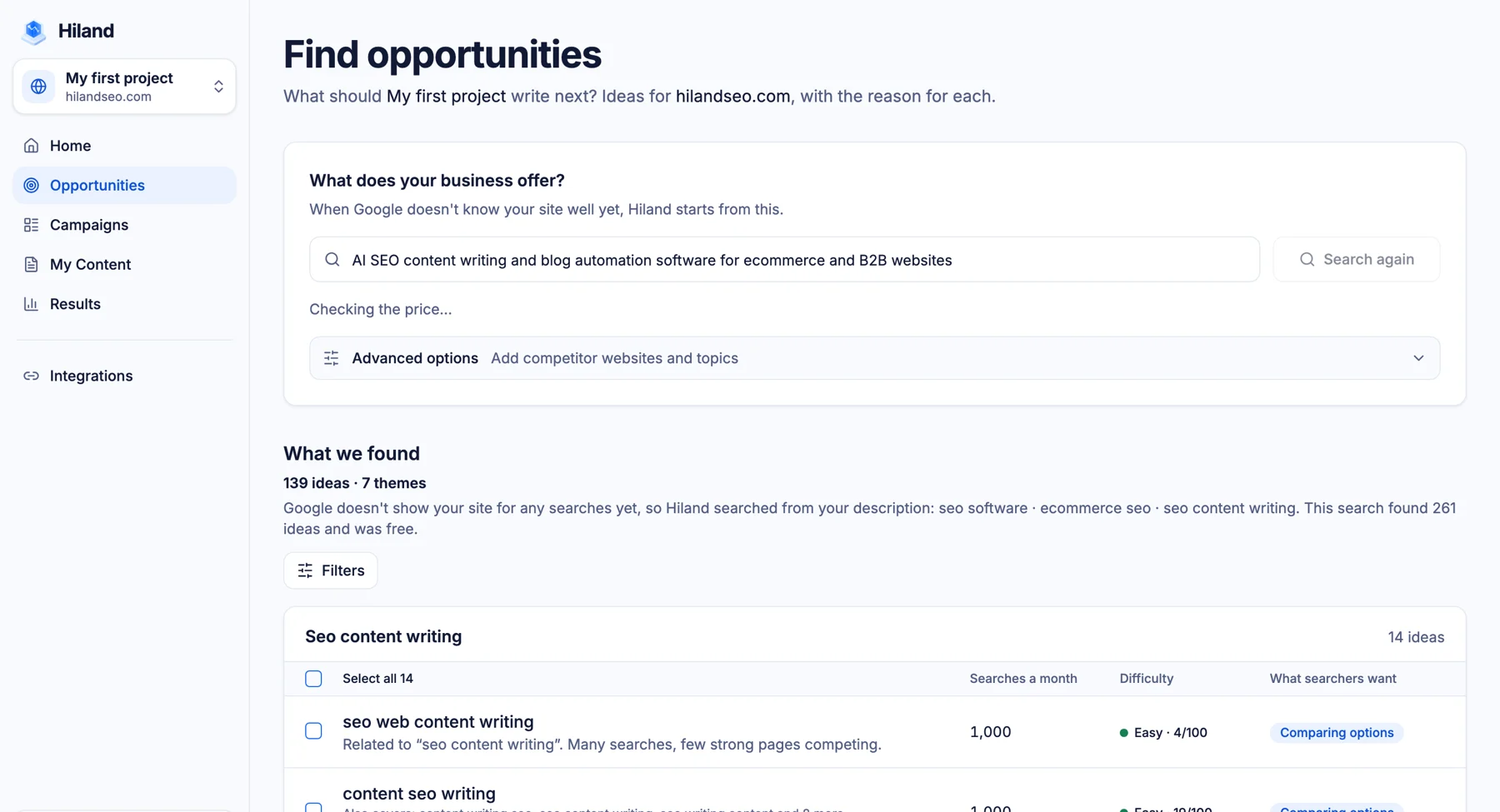
Connect Google Search Console, or describe your business, and Hiland lists keyword opportunities with monthly searches, difficulty and what the searcher wants. Pick the ones that fit and add them to a campaign.

Hiland content engine showing keyword opportunities with monthly searches and difficulty for a website
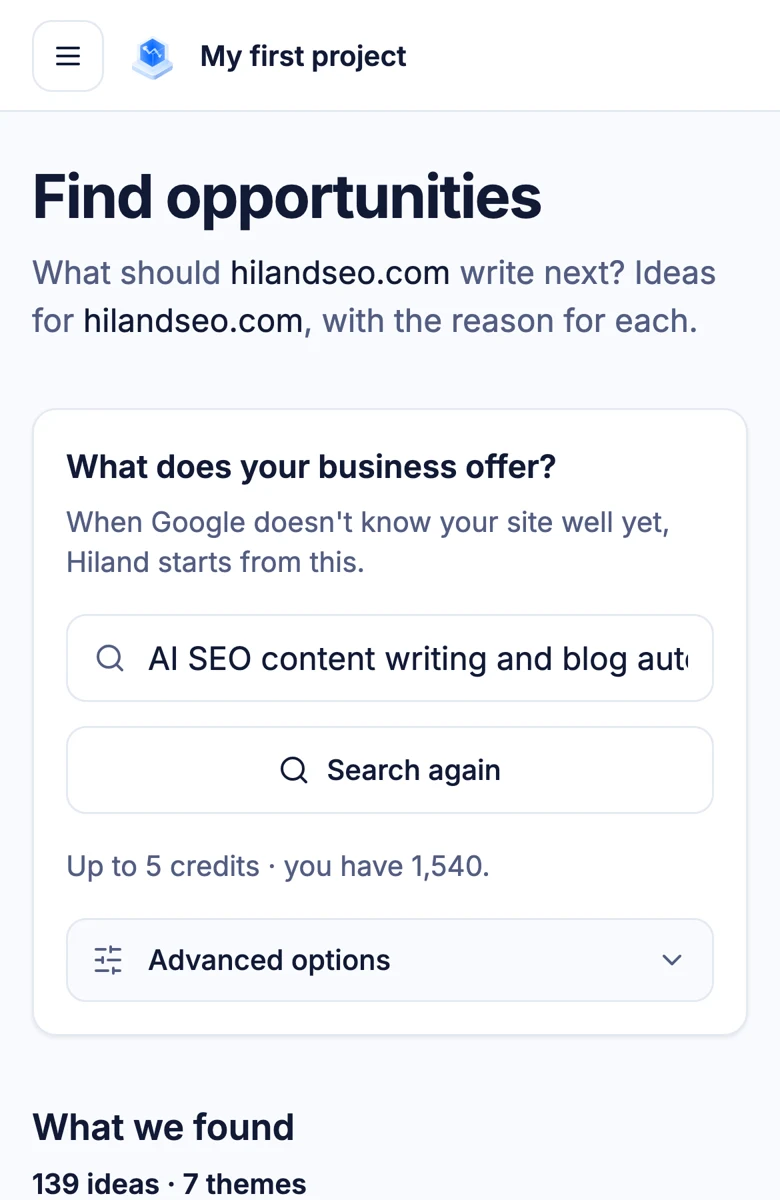
Hiland content engine on a phone: find opportunities for a website
Writing

Write with research, not guesswork

Each article is researched before it is drafted. You set the length, audience and tone, then edit in the built-in editor. Nothing is published until you say so.

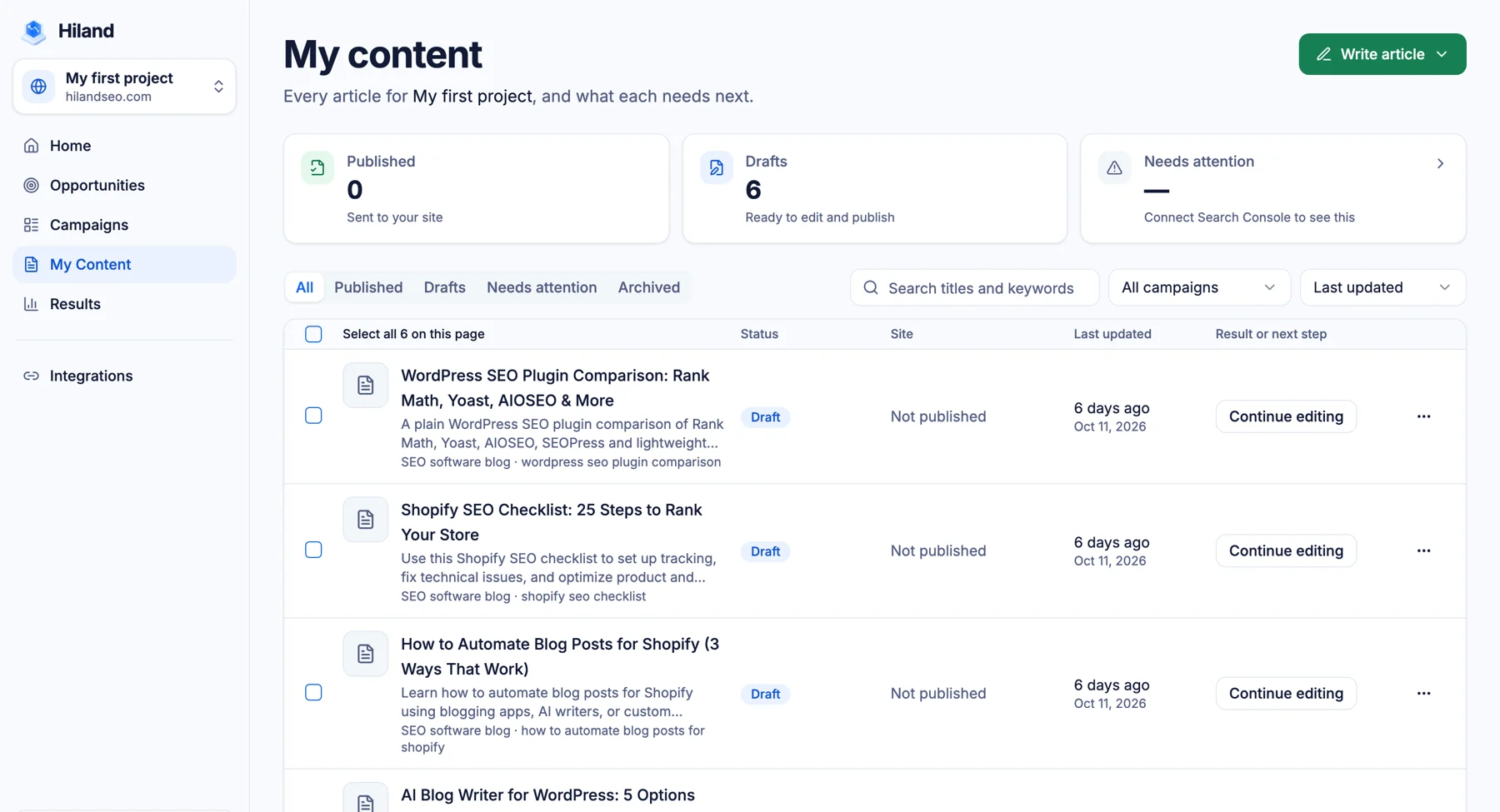
Hiland content engine article list with drafts ready to edit and publish
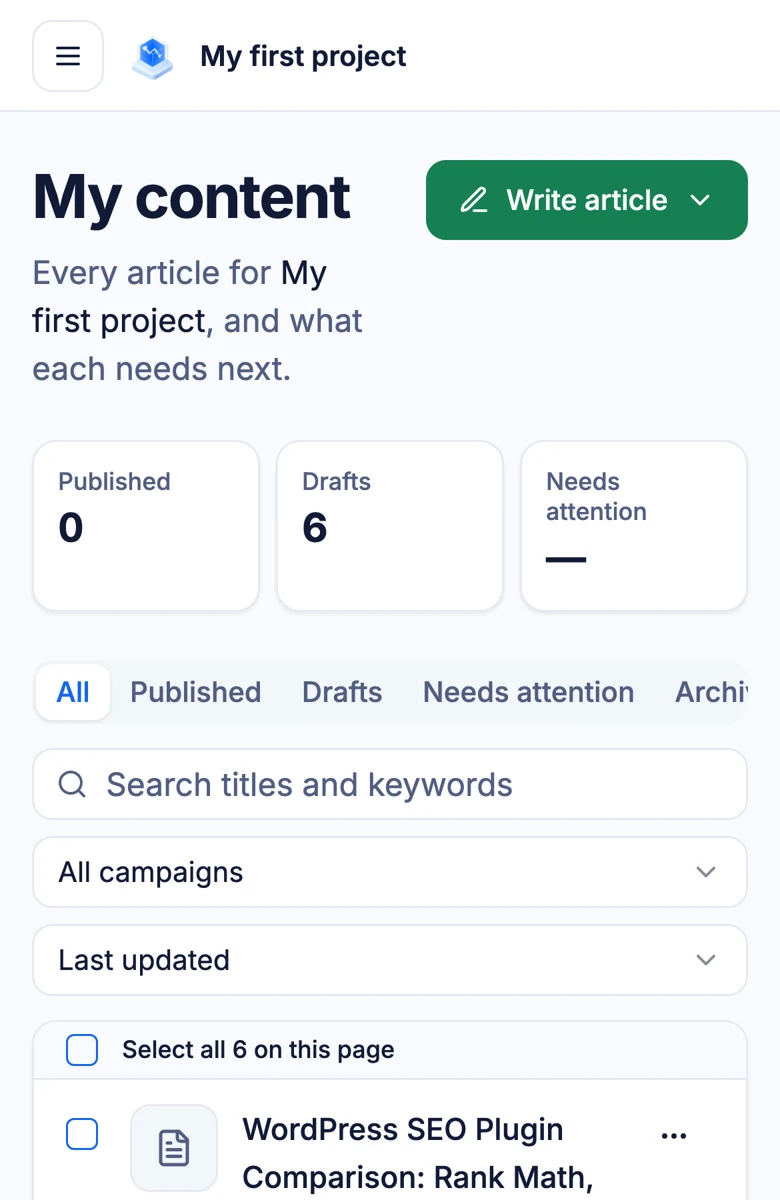
Hiland content engine on a phone: drafts ready to edit and publish
Publishing

Publish to WordPress or Shopify on a schedule

Connect a site once, choose a schedule, and approved articles go out on their own. Revoke access at any time.

WordPress

Connects with an application password, so there is no plugin to install.

Shopify

Publishes to your store blog. Drafts wait for your review before they go out.

Your schedule

Daily, weekly or one by one. Starter covers 1 site, Growth 5 and Pro 20.
Results

See what each article does in Google

With Search Console connected, Hiland shows clicks and impressions per article and flags the ones that need an update.

Clicks and impressions by article

The same numbers you see in Search Console, listed per article so you know which ones pay back.

Pages that need attention

Articles that lost clicks or never got any are flagged, with the next step suggested.

Update, don’t just add

Spend credits on refreshing pages that slipped before writing new ones.

Plain numbers

50

Free credits to start

Sign up, connect a site and write your first articles before paying.

10

Credits per article

Research included, up to 3,000 words.

2

Platforms

Publishes to WordPress and Shopify.

7 days

Full refund window

Ask within 7 days of a charge and we refund it in full.

How it works

From keyword to published post

1

Connect

Add your site and, if you have it, Google Search Console.

2

Pick opportunities

Choose from the ideas Hiland finds, or add your own keywords in bulk.

3

Review and publish

Edit the draft, approve it, and let the schedule publish it.

Questions about the engine

How long does it take to see results?

It depends on your site and competition. Google says some changes take effect in hours and others in months, so we show clicks per article rather than promise a timeline.

Do I need technical SEO knowledge?

No. The engine handles research, structure and publishing. For technical fixes on your site, see our SEO services.

Can it update existing content?

Yes. Point it at a page that has stopped ranking and it drafts an updated version for you to review.

Will Google penalize AI-written content?

Google says it rewards helpful content however it is produced. We built the engine around research and review so each article says something the top results do not.
Start with 50 free credits

Sign up, connect a site and write your first article today. No card needed.